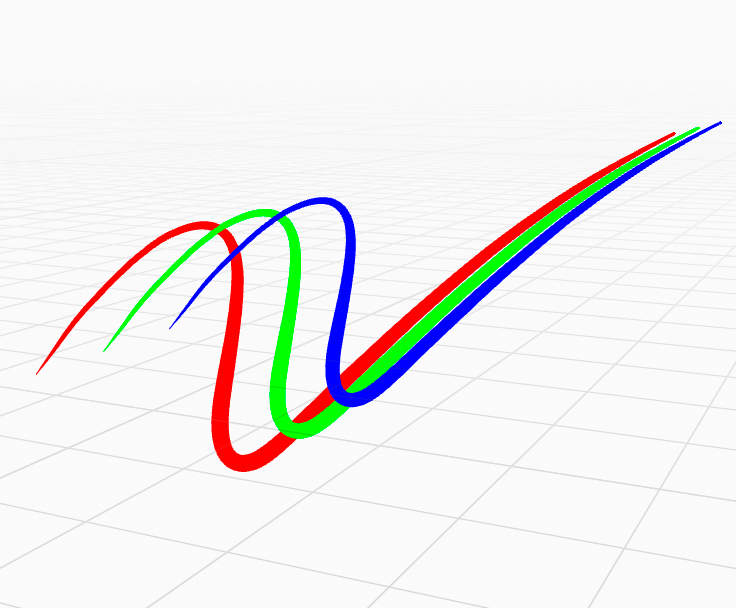
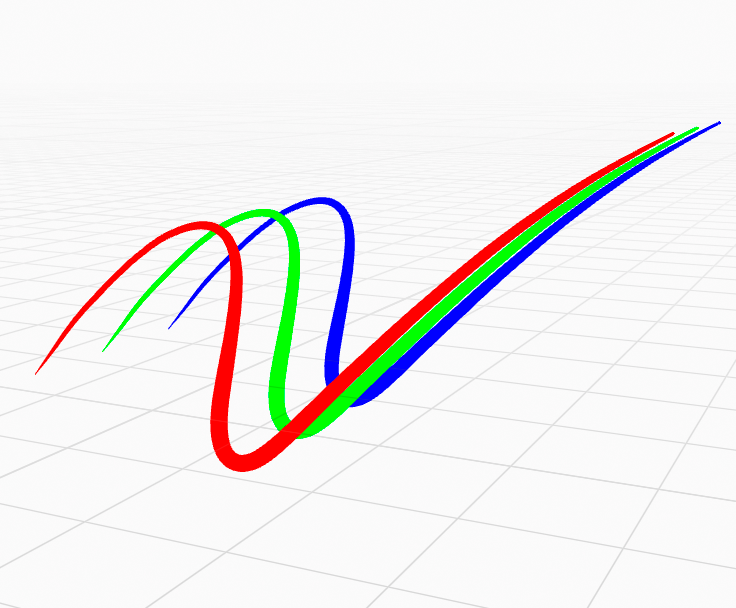
Settings
General settings for Grease Pencil strokes.
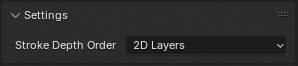
Settings panel.
- Stroke Depth Order
Defines how the strokes are ordered in 3D space (for objects not displayed In Front).
- 2D Layers:
The Strokes drawing order respect the order of the 2D layers list (top to bottom) and ignores the real position of the strokes in 3D space. See 2D Layers for more information.
Note
This setting also affects how different Grease Pencil objects are composited together in the scene. For objects that use 2D layer ordering, their depth in the scene is based on the midpoint of the bounding box. This midpoint defines a plane facing the camera which is the depth that object will be rendered at.
Tip
When using 2D ordering, try to keep the Grease Pencil object mostly flat to ensure it is correctly depth composited!
- 3D Location:
The strokes drawing order is based on the stroke location in 3D space.